
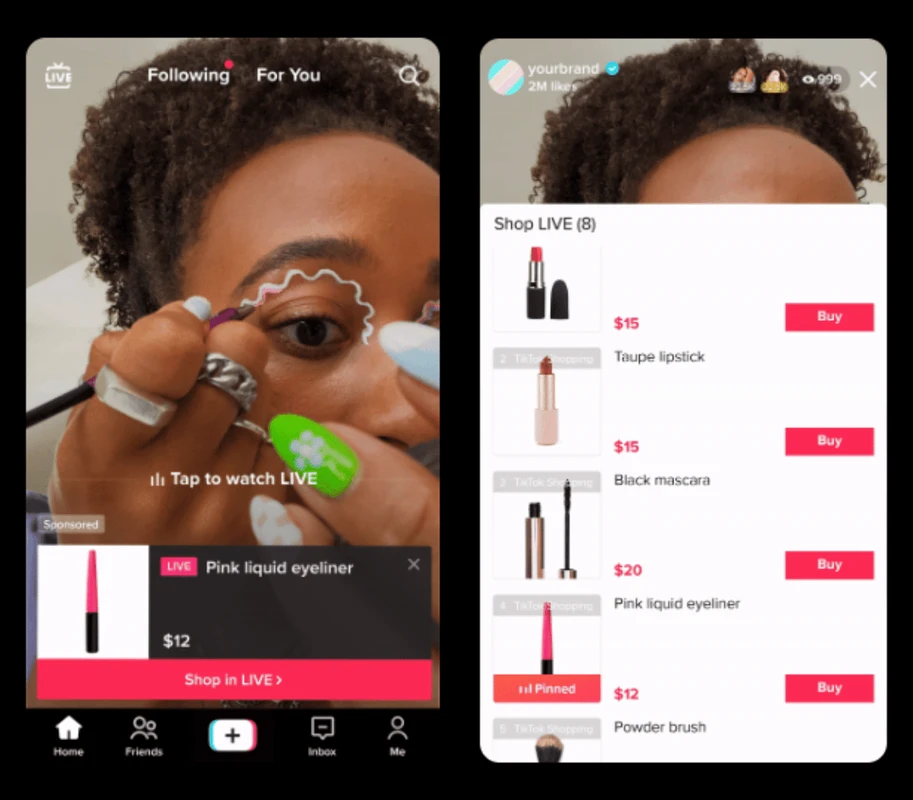
es1.bahasberita.com – TikTok Video Shopping Ads let users buy products directly from shoppable videos featured in TikTok’s For You feed. To create them, set your campaign objective to product sales, connect a product catalog to your TikTok Ads Manager, produce engaging videos with product cards and buy buttons, and target new or returning customers to boost sales seamlessly within the app.
In recent years, TikTok has transformed from a simple entertainment platform into a powerful e-commerce channel. Video Shopping Ads harness TikTok’s engaging short-video format to offer seamless shopping experiences, combining entertainment and instant purchasing. As of 2025, this integration is reshaping how brands connect with consumers by driving higher engagement, better purchase conversions, and authentic storytelling aligned with TikTok’s unique culture.
This tutorial provides a clear, step-by-step guide for marketers and e-commerce businesses eager to leverage TikTok Video Shopping Ads effectively. From setting up your TikTok Business Manager and linking product catalogs to creating compelling video ads and choosing smart targeting options, you’ll learn all practical steps. Additionally, we cover troubleshooting common hurdles, share best practices from TikTok Creative Partners and brands like American Eagle, and point to useful third-party tools that simplify campaign management.
Let’s dive into the essentials you must prepare before launching your first TikTok Video Shopping Ad campaign, setting a strong foundation for successful video commerce.
Prerequisites for Setting Up TikTok Video Shopping Ads
Before creating video shopping ads on TikTok, certain preparatory tasks are crucial to ensure smooth campaign management and maximum sales impact. This section details necessary accounts, integrations, and basic campaign knowledge you’ll need upfront.
TikTok Business Manager and Ads Manager Setup
(Estimated time: 10-15 minutes)
Creating and Linking Your TikTok Product Catalog
Advertisement
To run effective Video Shopping Ads, TikTok must access your product feed for real-time data synchronization and dynamic product tagging.
(Estimated time: 20-30 minutes depending on catalog size)
Accessing Third-Party Platforms (Optional)
For enhanced management, consider connecting third-party tools like Sprinklr (for performance analytics), Channable (for catalog feed optimization), or Shuttlerock (creative asset production). These platforms integrate smoothly with TikTok Business Manager, offering automation and scalability options.
Understanding TikTok Ad Campaign Structure
Familiarize yourself with TikTok’s campaign organization:
Grasping this hierarchy is vital to orchestrate efficient campaigns.
(Estimated time: 10 minutes to review official documentation or tutorials)
After completing these steps, your account and assets will be ready for TikTok Video Shopping Ad creation.
Step-by-Step Guide to Creating TikTok Video Shopping Ads
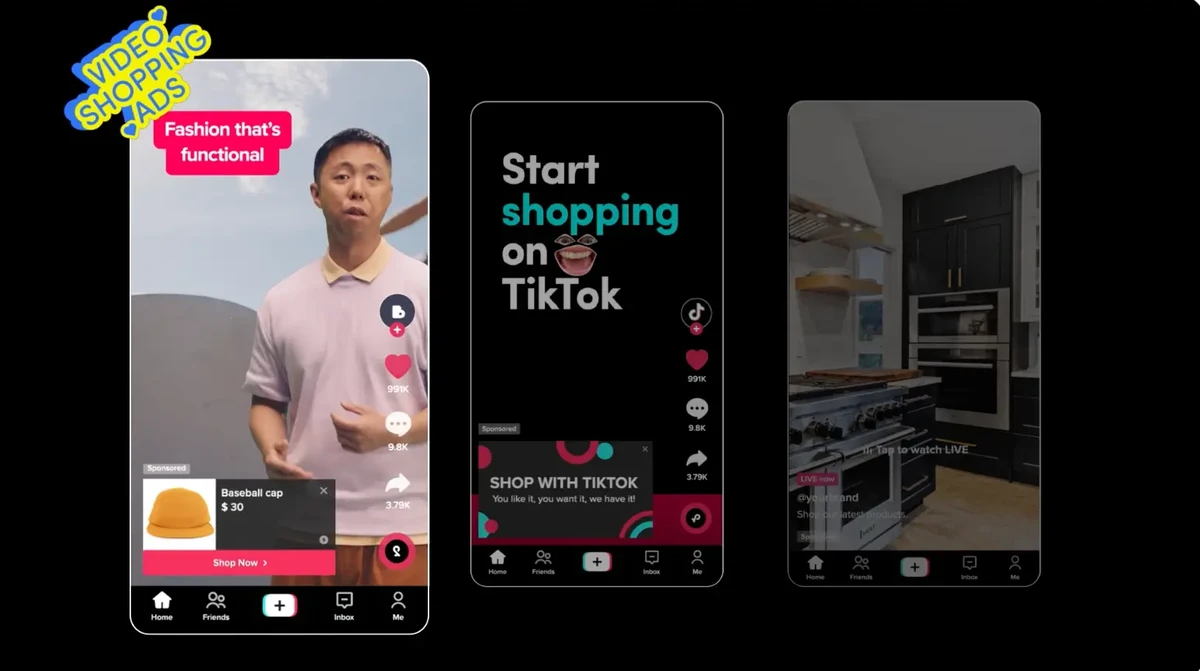
Creating an effective Video Shopping Ad campaign involves methodical setup through TikTok Ads Manager or integrated third-party platforms. Below is a detailed, actionable walkthrough.
1. Campaign Creation
(Estimated time: 5 minutes)
2. Ad Group Setup
– Set a daily or lifetime budget based on campaign goals.
– Choose start and end dates or always-on campaigns.
– Create segments for new potential customers using demographic, interest, and behavior filters.
– Setup retargeting audiences via pixel data or customer lists.
(Estimated time: 15-20 minutes)
3. Connecting Your Product Catalog
Common mistakes:
(Estimated time: 10 minutes)
4. Ad Creative Production
Example: American Eagle’s TikTok Video Shopping Ad featured real customers styling seasonal outfits, driving 30% uplift in conversions.
(Estimated time: 1-2 days including review cycles)
5. Launching and Monitoring Your Campaign
– Click-Through Rate (CTR)
– Conversion Rate
– Return on Ad Spend (ROAS)
– View-through purchases
(Estimated time: Ongoing post-launch monitoring)
Troubleshooting Common Setup and Optimization Challenges
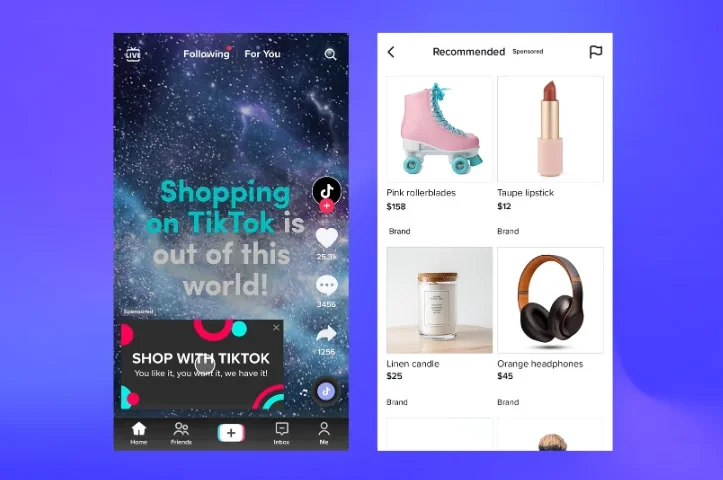
Even experienced marketers face hiccups while running TikTok Video Shopping Ads. Here are some common issues and expert-recommended solutions.
Catalog Syncing Errors
Low Engagement or Click-Through
Targeting Inefficiencies
Ad Disapproval or Policy Compliance
Budget and Bidding Problems
Advanced Tips and Best Practices for TikTok Video Shopping Ads
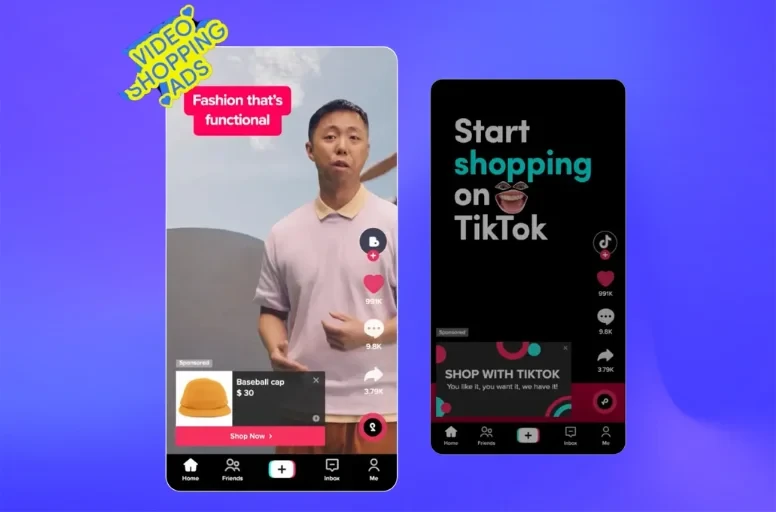
To truly scale your TikTok e-commerce success, consider these proven strategies.
Advertisement
Advertisement